Free, no ads
The Windows app is free and shows no ads at all.
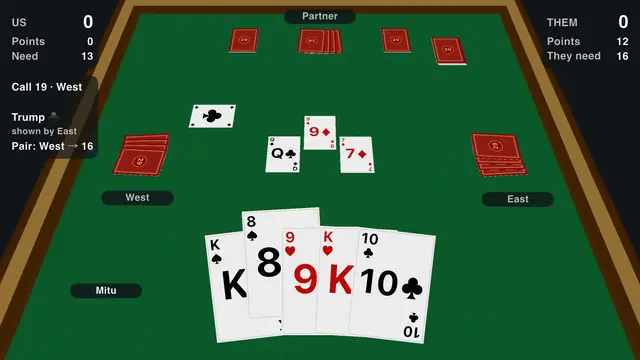
Twenty-Nine on a 3D table, on your laptop or desktop. Free on the Microsoft Store, with no ads at all.
The Windows app is free and shows no ads at all.
Play three levels of bots with no internet connection.
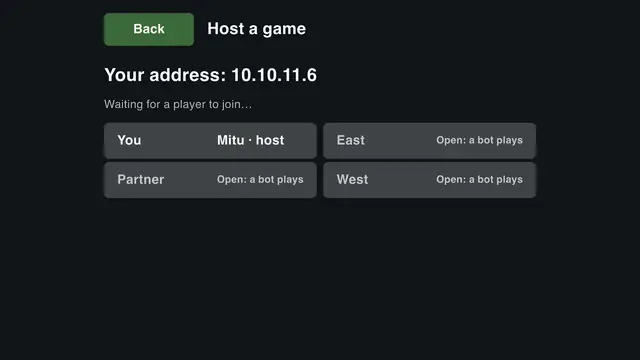
Host a game on your PC and let friends join from their Android phones on the same Wi-Fi.
Click or drag a card to play it, or use the keys 1 to 8 and Enter.
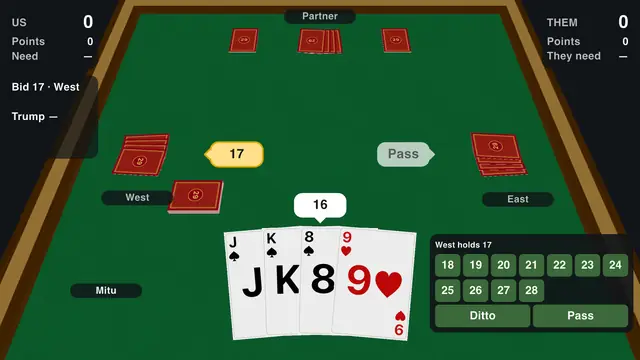
Bidding with Ditto, the hidden trump, Show Trump, the Pair, Double and Redouble, or your own house rules.
The whole game, its tutorial and its rulebook in both languages.
It runs on 64-bit Windows 10 and 11. On a Mac or a Chromebook, play 29 in your browser.
Twenty-Nine is the trick-taking card game of Bangladesh and eastern India: four players in two teams, 32 cards, a secret trump. Read the rules of 29 or the strategy tips, or see the FAQ.
Also available for: Android · Linux · Web browser
Made by a Bangladeshi developer, with the rules and the feel of home.